Back to Library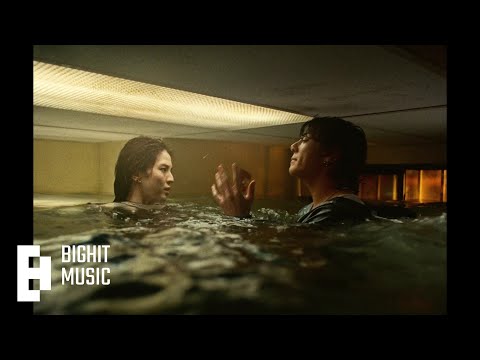

Seven
Download File
Download .fseq
Checking your FSEQ quota...
FSEQ library quota is isolated from MP3 conversion and AI Studio credits.
Part of:EDM & Dance
Music Video
3D Light Show Preview
How to Play This Light Show on Your Tesla
- Download the Seven .fseq file above, plus the song audio as MP3 or WAV.
- Format a USB drive (FAT32 or exFAT) and create a folder named
LightShowat its root. - Copy both files into that folder, renamed to
lightshow.fseqandlightshow.mp3(or .wav) — the names must match. - Plug the drive into your Tesla, open Toybox → Light Show, and tap Schedule Show.
Works on Model 3, Model Y, Model S and Model X with the Light Show feature (software 2021.44.25 or newer).
Light Show Analysis
Tempo126.0 BPMBeats442Onsets669Sections12
Song Structure
silenceversechorusbridge
About the Artist
Jeon Jung-kook, known professionally as Jung Kook, is a South Korean singer and songwriter. He rose to prominence as a member and vocalist of South Korean boy band BTS.
popr&bedmk-pop
Want a unique version? AI Studio choreographs lights to lyrics, melody, and mood — no two shows are alike.