Download File
Checking your FSEQ quota...
FSEQ library quota is isolated from MP3 conversion and AI Studio credits.
Music Video
3D Light Show Preview
How to Play This Light Show on Your Tesla
- Download the 3D .fseq file above, plus the song audio as MP3 or WAV.
- Format a USB drive (FAT32 or exFAT) and create a folder named
LightShowat its root. - Copy both files into that folder, renamed to
lightshow.fseqandlightshow.mp3(or .wav) — the names must match. - Plug the drive into your Tesla, open Toybox → Light Show, and tap Schedule Show.
Works on Model 3, Model Y, Model S and Model X with the Light Show feature (software 2021.44.25 or newer).
Song Facts
Light Show Analysis
About the Track
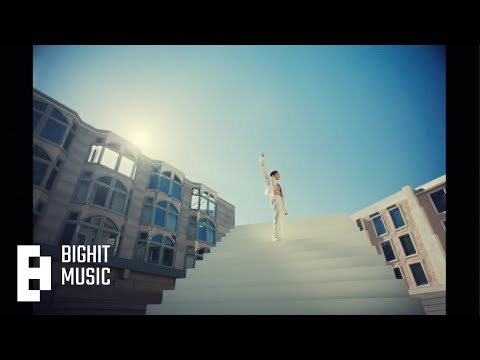
정국 (Jung Kook) '3D (feat. Jack Harlow)' Official MV Directed by Drew Kirsch a HAPPY PLACE production Executive Producer: Tara Razavi Production Manager: Julio Mata Jr. Production Coordinator: Chris…
About the Artist

Jeon Jung-kook, known professionally as Jung Kook, is a South Korean singer and songwriter. He rose to prominence as a member and vocalist of South Korean boy band BTS.
This 3:50 track produces 11,500 light frames. How Tesla Light Shows work →
Want a unique version? AI Studio choreographs lights to lyrics, melody, and mood — no two shows are alike.