Back to Library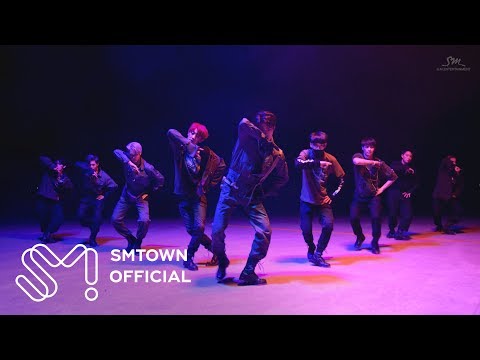

Download File
Music Video
3D Light Show Preview
How to Play This Light Show on Your Tesla
- Download the Monster .fseq file above, plus the song audio as MP3 or WAV.
- Format a USB drive (FAT32 or exFAT) and create a folder named
LightShowat its root. - Copy both files into that folder, renamed to
lightshow.fseqandlightshow.mp3(or .wav) — the names must match. - Plug the drive into your Tesla, open Toybox → Light Show, and tap Schedule Show.
Works on Model 3, Model Y, Model S and Model X with the Light Show feature (software 2021.44.25 or newer).
Song Facts
UploadedJun 8, 2016Duration3:45Genrekpop, boy group, 3rd gen k-popArtist OriginSouth KoreaYouTube Views475.6M viewsLight Show Frames11,250
About the Track
EXO has released their 3rd full album “EX’ACT” with double title tracks “Monster” and “Lucky One”. EXO Official EXO 엑소 'Monster' MV ℗ S.M.Entertainment
About the Artist
Exo is a South Korean-Chinese boy band based in Seoul formed by SM Entertainment in 2011 and debuted in 2012. The group consists of nine members: Xiumin, Suho, Lay, Baekhyun, Chen, Chanyeol, D.O., Kai and Sehun.
kpopboy group3rd gen k-popk-popboy band
This 3:45 track produces 11,250 light frames. How Tesla Light Shows work →
Want a unique version? AI Studio choreographs lights to lyrics, melody, and mood — no two shows are alike.