Your light show file is on its way. Here's how to use it:
- This .fseq file is for your car — phones can't open it. That's expected.
- You also need the song audio. Put both on a USB drive (FAT32 or exFAT) in a folder named LightShow at its root.
- Rename them to lightshow.fseq and lightshow.mp3 (or .wav) — the names must match.
- In your Tesla, open Toybox → Light Show and tap Schedule Show.
Want a show for a song we don't have?
Make your own light show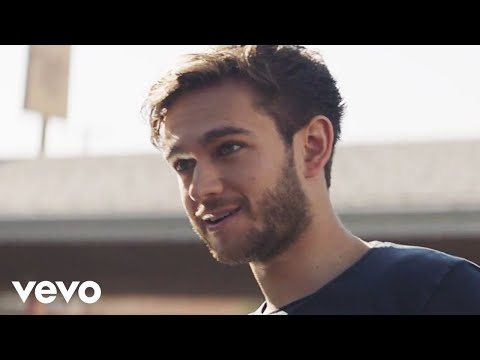
Stay
Download File
Checking your FSEQ quota...
FSEQ library quota is isolated from MP3 conversion and AI Studio credits.
Music Video
3D Light Show Preview
How to Play This Light Show on Your Tesla
- Download the Stay .fseq file above, plus the song audio as MP3 or WAV.
- Format a USB drive (FAT32 or exFAT) and create a folder named
LightShowat its root. - Copy both files into that folder, renamed to
lightshow.fseqandlightshow.mp3(or .wav) — the names must match. - Plug the drive into your Tesla, open Toybox → Light Show, and tap Schedule Show.
Works on Model 3, Model Y, Model S and Model X with the Light Show feature (software 2021.44.25 or newer).
Song Facts
Light Show Analysis
About the Track
Zedd & Alessia Cara - Stay (Official Music Video) Watch the official music video for “Stay” by Zedd and Alessia Cara. I'm so excited to share the Stay music video with you! Alessia and I worked so…
About the Artist

Anton Zaslavski, known professionally as Zedd, is a German record producer and DJ. His stage name was derived from zed, the English pronunciation for the first letter of his surname.
This 3:33 track produces 10,650 light frames. How Tesla Light Shows work →
Want a unique version? AI Studio choreographs lights to lyrics, melody, and mood — no two shows are alike.