Back to Library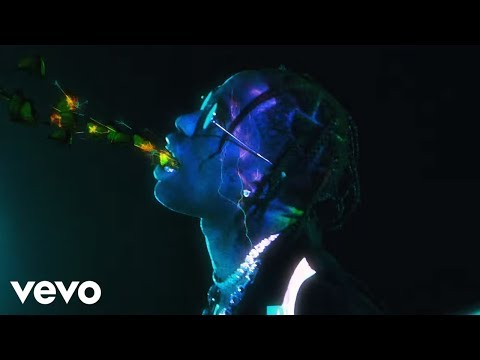

BUTTERFLY EFFECT
3:33539.4M views
RodeoLaFlameBirds in the Trap Sing McKnightTravis Scott hitTravis Scott trackTravis Scott songTravis Scott musicgoosebumps
Download File
Music Video
3D Light Show Preview
How to Play This Light Show on Your Tesla
- Download the BUTTERFLY EFFECT .fseq file above, plus the song audio as MP3 or WAV.
- Format a USB drive (FAT32 or exFAT) and create a folder named
LightShowat its root. - Copy both files into that folder, renamed to
lightshow.fseqandlightshow.mp3(or .wav) — the names must match. - Plug the drive into your Tesla, open Toybox → Light Show, and tap Schedule Show.
Works on Model 3, Model Y, Model S and Model X with the Light Show feature (software 2021.44.25 or newer).
Song Facts
UploadedJul 13, 2017Duration3:33Genrehip hop, trap, rapArtist OriginUnited StatesYouTube Views539.4M viewsLight Show Frames10,650
Light Show Analysis
Tempo94.0 BPMBeats332Onsets849Sections12
Song Structure
introversechorussilence
About the Track
Video Director: BRTHR Video Producer: Laure Salgon Executive Producer: Sara Greco (C) 2017 Cactus Jack Records, LLC under exclusive license to Epic Records, a division of Sony Music Entertainment
About the Artist
Jacques Bermon Webster II, known professionally as Travis Scott, is an American rapper, singer, songwriter, and record producer. Scott has had five number-one hits on the U.S.
hip hoptraprapsouthern hip hoppop rap
This 3:33 track produces 10,650 light frames. How Tesla Light Shows work →
More by Travis Scott
View all Travis Scott light shows →Want a unique version? AI Studio choreographs lights to lyrics, melody, and mood — no two shows are alike.