The Motto
Download File
Checking your FSEQ quota...
FSEQ library quota is isolated from MP3 conversion and AI Studio credits.
Music Video
3D Light Show Preview
How to Play This Light Show on Your Tesla
- Download the The Motto .fseq file above, plus the song audio as MP3 or WAV.
- Format a USB drive (FAT32 or exFAT) and create a folder named
LightShowat its root. - Copy both files into that folder, renamed to
lightshow.fseqandlightshow.mp3(or .wav) — the names must match. - Plug the drive into your Tesla, open Toybox → Light Show, and tap Schedule Show.
Works on Model 3, Model Y, Model S and Model X with the Light Show feature (software 2021.44.25 or newer).
Song Facts
Light Show Analysis
About the Track
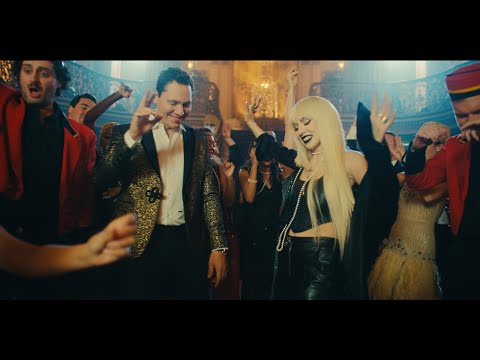
Tiësto & Ava Max - The Motto Director: Christian Breslauer Producer: Mike Breslauer, Nick Pistone EP: Luga Podesta, Brandon Bonfiglio, Andre Lerios DP: Powell Robinson Editor: Cal Laird Prod Co:…
About the Artist

Tijs Michiel Verwest, known professionally as Tiësto, is a Dutch DJ and record producer. He was voted "The Greatest DJ of All Time" by Mix magazine in a 2010/2011 poll amongst fans.
This 3:31 track produces 10,550 light frames. How Tesla Light Shows work →
Want a unique version? AI Studio choreographs lights to lyrics, melody, and mood — no two shows are alike.