Back to Library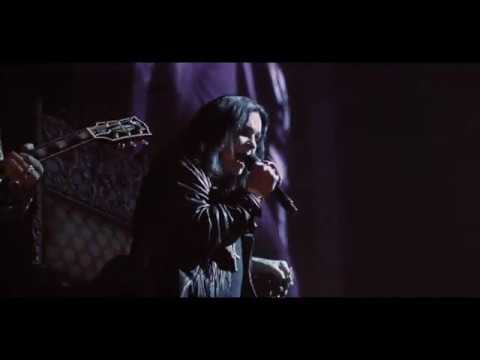

Take What You Want
2:4629.4M views
Ozzy osbourneozzypost malonetake what you wantthe forumlive videolive performanceinglewood
Download File
Music Video
3D Light Show Preview
How to Play This Light Show on Your Tesla
- Download the Take What You Want .fseq file above, plus the song audio as MP3 or WAV.
- Format a USB drive (FAT32 or exFAT) and create a folder named
LightShowat its root. - Copy both files into that folder, renamed to
lightshow.fseqandlightshow.mp3(or .wav) — the names must match. - Plug the drive into your Tesla, open Toybox → Light Show, and tap Schedule Show.
Works on Model 3, Model Y, Model S and Model X with the Light Show feature (software 2021.44.25 or newer).
Song Facts
UploadedNov 26, 2019Duration2:46Genrehip hop, pop rap, trapArtist OriginUnited StatesYouTube Views29.4M viewsLight Show Frames8,300
About the Track
Check out Ozzy Osbourne performing with Post Malone on his song "Take What You Want" live at The Forum in Inglewood, CA on November 21, 2019 Filmed by: Adam DeGross Follow Ozzy Osbourne:
About the Artist
Austin Richard Post, known professionally as Post Malone, is an American singer, rapper, songwriter, record producer, and actor. His music blends various genres including pop, hip-hop, trap, country, R&B, and rock.
hip hoppop raptrapcountryenglish
This 2:46 track produces 8,300 light frames. How Tesla Light Shows work →
Want a unique version? AI Studio choreographs lights to lyrics, melody, and mood — no two shows are alike.