Download File
Checking your FSEQ quota...
FSEQ library quota is isolated from MP3 conversion and AI Studio credits.
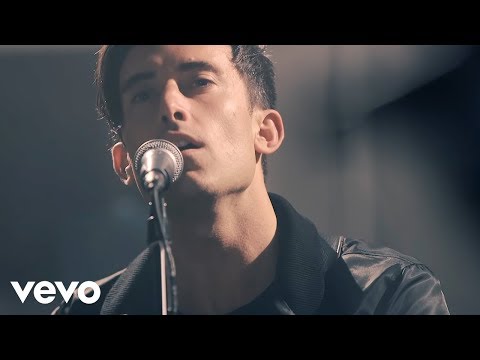
Music Video
3D Light Show Preview
How to Play This Light Show on Your Tesla
- Download the Living Hope .fseq file above, plus the song audio as MP3 or WAV.
- Format a USB drive (FAT32 or exFAT) and create a folder named
LightShowat its root. - Copy both files into that folder, renamed to
lightshow.fseqandlightshow.mp3(or .wav) — the names must match. - Plug the drive into your Tesla, open Toybox → Light Show, and tap Schedule Show.
Works on Model 3, Model Y, Model S and Model X with the Light Show feature (software 2021.44.25 or newer).
Song Facts
About the Track
The brand new single from Phil Wickham, available everywhere 3/30. From the upcoming album “Living Hope” coming August 2018. Start listening at the links below! Connect with Phil:
About the Artist

Philip David Wickham is an American contemporary Christian singer-songwriter and musician from San Diego, California. He has released fourteen worship albums: Give You My World in 2003, a self-titled album in 2006, Cannons in 2007, Singalong in 2008, Heaven & Earth in 2009, Response in 2011, Singalo
This 5:31 track produces 16,550 light frames. How Tesla Light Shows work →
More by Phil Wickham
View all Phil Wickham light shows →Want a unique version? AI Studio choreographs lights to lyrics, melody, and mood — no two shows are alike.