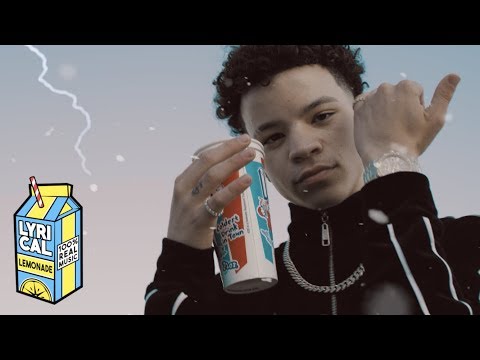
Noticed
Download File
Music Video
3D Light Show Preview
How to Play This Light Show on Your Tesla
- Download the Noticed .fseq file above, plus the song audio as MP3 or WAV.
- Format a USB drive (FAT32 or exFAT) and create a folder named
LightShowat its root. - Copy both files into that folder, renamed to
lightshow.fseqandlightshow.mp3(or .wav) — the names must match. - Plug the drive into your Tesla, open Toybox → Light Show, and tap Schedule Show.
Works on Model 3, Model Y, Model S and Model X with the Light Show feature (software 2021.44.25 or newer).
Song Facts
About the Track
Lil Mosey - Noticed Directed + Edited by Cole Bennett Song Produced by Royce Davidd Director of Photography - Logan Meis Animated by Tristan Zammit Color Grade by Cole Schwartz Lighting + Gaff by…
About the Artist

Lathan Moses Stanley Echols, better known by his stage name Lil Mosey, is an American rapper and singer-songwriter. His 2017 single, "Pull Up", received gold certification by the Recording Industry Association of America (RIAA) and led him to sign with Interscope Records.
This 2:52 track produces 8,600 light frames. How Tesla Light Shows work →
Want a unique version? AI Studio choreographs lights to lyrics, melody, and mood — no two shows are alike.