Back to Library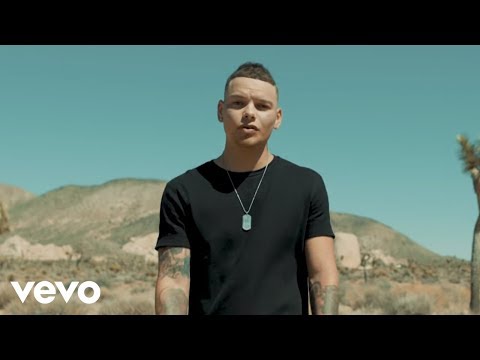

Lose It
3:0285.7M views
kane brownlose it kane brownkane brown lose itlose itcountry musickane brown songscountry romantic songscountry songs
Download File
Download .fseq
Checking your FSEQ quota...
FSEQ library quota is isolated from MP3 conversion and AI Studio credits.
Music Video
3D Light Show Preview
How to Play This Light Show on Your Tesla
- Download the Lose It .fseq file above, plus the song audio as MP3 or WAV.
- Format a USB drive (FAT32 or exFAT) and create a folder named
LightShowat its root. - Copy both files into that folder, renamed to
lightshow.fseqandlightshow.mp3(or .wav) — the names must match. - Plug the drive into your Tesla, open Toybox → Light Show, and tap Schedule Show.
Works on Model 3, Model Y, Model S and Model X with the Light Show feature (software 2021.44.25 or newer).
Song Facts
UploadedJun 21, 2018Duration3:02Genresoul, funk, film soundtrackArtist OriginUnited StatesYouTube Views85.7M viewsLight Show Frames9,100
About the Track
Connect with Kane: Text Kane at 615-205-1717
About the Artist
Kane Allen Brown is an American country music singer and songwriter. First garnering a mass following on social media, he released his debut extended play (EP) Closer in June 2015, and followed it up with the single, "Used to Love You Sober" in October of that year.
soulfunkfilm soundtrackdiscorhythm & blues
This 3:02 track produces 9,100 light frames. How Tesla Light Shows work →
Want a unique version? AI Studio choreographs lights to lyrics, melody, and mood — no two shows are alike.