Back to Library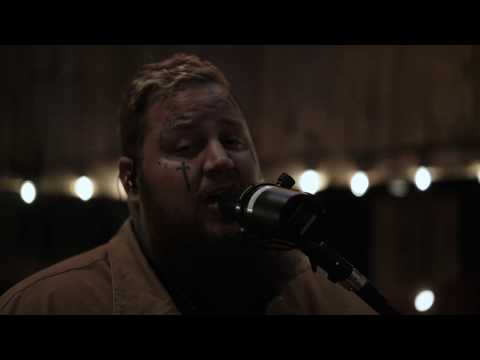

Save Me
3:57363.3M views
Jelly RollJellyRollJason DeFordBunnieXOBunnie DeFordLost CauseSave MeBad Apple
Download File
Music Video
3D Light Show Preview
How to Play This Light Show on Your Tesla
- Download the Save Me .fseq file above, plus the song audio as MP3 or WAV.
- Format a USB drive (FAT32 or exFAT) and create a folder named
LightShowat its root. - Copy both files into that folder, renamed to
lightshow.fseqandlightshow.mp3(or .wav) — the names must match. - Plug the drive into your Tesla, open Toybox → Light Show, and tap Schedule Show.
Works on Model 3, Model Y, Model S and Model X with the Light Show feature (software 2021.44.25 or newer).
Song Facts
UploadedJun 16, 2020Duration3:57Genrecountry rap, hip hop, r&bArtist OriginNashvilleYouTube Views363.3M viewsLight Show Frames11,850
About the Track
This one is a little bit of a curveball for me. I don't usually do these stripped down acoustic videos, but writing this song made me feel something and I felt y'all needed some insight into the more…
About the Artist
Jason Bradley DeFord, known professionally as Jelly Roll, is an American rapper, singer, and songwriter. Beginning his music career in 2003, he rose to mainstream prominence following the release of his 2022 singles "Son of a Sinner" and "Need a Favor".
country raphip hopr&bjellyroll
This 3:57 track produces 11,850 light frames. How Tesla Light Shows work →
Want a unique version? AI Studio choreographs lights to lyrics, melody, and mood — no two shows are alike.