Back to Library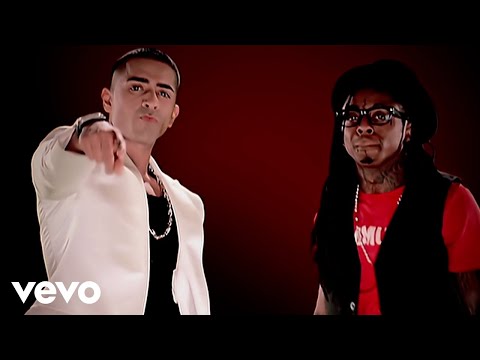

Download File
Music Video
3D Light Show Preview
How to Play This Light Show on Your Tesla
- Download the Down .fseq file above, plus the song audio as MP3 or WAV.
- Format a USB drive (FAT32 or exFAT) and create a folder named
LightShowat its root. - Copy both files into that folder, renamed to
lightshow.fseqandlightshow.mp3(or .wav) — the names must match. - Plug the drive into your Tesla, open Toybox → Light Show, and tap Schedule Show.
Works on Model 3, Model Y, Model S and Model X with the Light Show feature (software 2021.44.25 or newer).
Song Facts
UploadedNov 24, 2009Duration3:42Genrecontemporary r&b, pop, electropopArtist OriginUnited KingdomYouTube Views436.3M viewsLight Show Frames11,100
Light Show Analysis
Tempo66.3 BPMBeats213Onsets731Sections12
Song Structure
introchorusversebridgesilence
About the Track
REMASTERED IN HD! Official Music Video for Down performed by Jay Sean. Follow Jay Sean: (C) 2009 Cash Money Records Inc.
About the Artist
Kamaljit Singh Jhooti, known professionally as Jay Sean, is a British singer and songwriter. He debuted in the UK's Asian Underground scene as a member of the Rishi Rich Project with "Dance with You", which reached No.
contemporary r&bpopelectropopdance-pophip hop
This 3:42 track produces 11,100 light frames. How Tesla Light Shows work →
Want a unique version? AI Studio choreographs lights to lyrics, melody, and mood — no two shows are alike.