Back to Library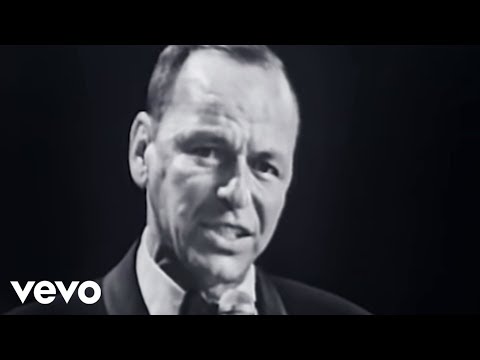

Fly Me To The Moon (In Other Words)
2:3618.5M views
Frank SinatraSinatraFly Me To The MoonFRANK SINATRA DIGITALREPRISEEasy Listeningfrank sinatra fly me to the moonfly me to the moon frank sinatra
Download File
Download .fseq
Checking your FSEQ quota...
FSEQ library quota is isolated from MP3 conversion and AI Studio credits.
Music Video
3D Light Show Preview
How to Play This Light Show on Your Tesla
- Download the Fly Me To The Moon (In Other Words) .fseq file above, plus the song audio as MP3 or WAV.
- Format a USB drive (FAT32 or exFAT) and create a folder named
LightShowat its root. - Copy both files into that folder, renamed to
lightshow.fseqandlightshow.mp3(or .wav) — the names must match. - Plug the drive into your Tesla, open Toybox → Light Show, and tap Schedule Show.
Works on Model 3, Model Y, Model S and Model X with the Light Show feature (software 2021.44.25 or newer).
Song Facts
UploadedMar 16, 2018Duration2:36Genrejazz, swing, vocal jazzArtist OriginUnited StatesYouTube Views18.5M viewsLight Show Frames7,800
About the Track
Frank Sinatra performing “Fly Me To The Moon,” recorded live in 1965 at the Kiel Opera House in St. Louis, MO. Watch more Frank Sinatra Videos: Conce
About the Artist
Francis Albert Sinatra was an American singer and actor. Nicknamed the "Chairman of the Board" and "Ol' Blue Eyes", he is regarded as one of the most influential entertainers of the 20th century.
jazzswingvocal jazztraditional popbig band
This 2:36 track produces 7,800 light frames. How Tesla Light Shows work →
More by Frank Sinatra
View all Frank Sinatra light shows →Want a unique version? AI Studio choreographs lights to lyrics, melody, and mood — no two shows are alike.