Back to Library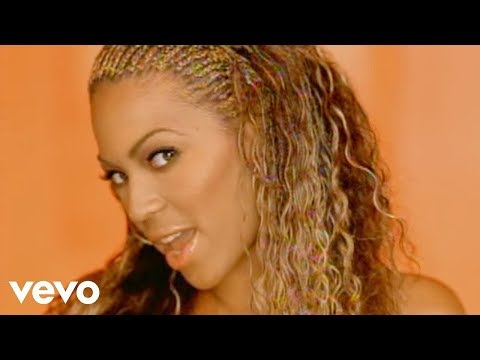

Download File
Download .fseq
Checking your FSEQ quota...
FSEQ library quota is isolated from MP3 conversion and AI Studio credits.
Music Video
3D Light Show Preview
How to Play This Light Show on Your Tesla
- Download the Say My Name .fseq file above, plus the song audio as MP3 or WAV.
- Format a USB drive (FAT32 or exFAT) and create a folder named
LightShowat its root. - Copy both files into that folder, renamed to
lightshow.fseqandlightshow.mp3(or .wav) — the names must match. - Plug the drive into your Tesla, open Toybox → Light Show, and tap Schedule Show.
Works on Model 3, Model Y, Model S and Model X with the Light Show feature (software 2021.44.25 or newer).
Song Facts
UploadedOct 25, 2009Duration3:59Genrepop, contemporary r&b, dance-popArtist OriginUnited StatesYouTube Views462.9M viewsLight Show Frames11,950
Light Show Analysis
Tempo68.9 BPMBeats273Onsets869Sections12
Song Structure
introversechorussilenceoutro
About the Track
“Say My Name” by Destiny’s Child With a string of hits ranging from the self-reliant “Bills, Bills, Bills” to the jelly-celebrating “Bootylicious,” Destiny’s Child brought a fiercely strong brand of…
About the Artist
Destiny's Child was an American girl group formed in Houston, Texas, in 1990. Its final lineup comprised Beyoncé, Kelly Rowland, and Michelle Williams.
popcontemporary r&bdance-poppop soulchristmas music
This 3:59 track produces 11,950 light frames. How Tesla Light Shows work →
Want a unique version? AI Studio choreographs lights to lyrics, melody, and mood — no two shows are alike.