Back to Library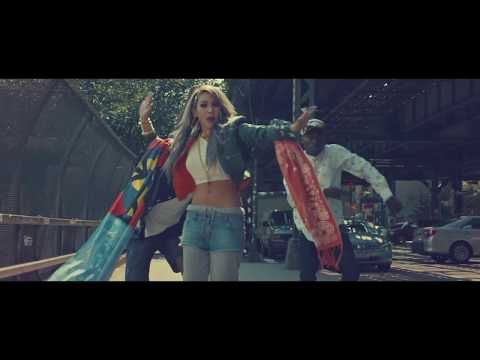

Download started
Your light show file is on its way. Here's how to use it:
- This .fseq file is for your car — phones can't open it. That's expected.
- You also need the song audio. Put both on a USB drive (FAT32 or exFAT) in a folder named LightShow at its root.
- Rename them to lightshow.fseq and lightshow.mp3 (or .wav) — the names must match.
- In your Tesla, open Toybox → Light Show and tap Schedule Show.
Want a show for a song we don't have?
Make your own light showDownload File
Download .fseq
Checking your FSEQ quota...
FSEQ library quota is isolated from MP3 conversion and AI Studio credits.
Music Video
3D Light Show Preview
How to Play This Light Show on Your Tesla
- Download the Lifted .fseq file above, plus the song audio as MP3 or WAV.
- Format a USB drive (FAT32 or exFAT) and create a folder named
LightShowat its root. - Copy both files into that folder, renamed to
lightshow.fseqandlightshow.mp3(or .wav) — the names must match. - Plug the drive into your Tesla, open Toybox → Light Show, and tap Schedule Show.
Works on Model 3, Model Y, Model S and Model X with the Light Show feature (software 2021.44.25 or newer).
Song Facts
UploadedAug 18, 2016Duration3:02Genrek-pop, south koreaArtist OriginSouth KoreaYouTube Views39.8M viewsLight Show Frames9,100
About the Track
More about CL @
About the Artist
Lee Chae-rin, better known by her stage name CL, is a South Korean rapper, singer, and songwriter. Born in Seoul, South Korea, she spent much of her early life in Japan and France.
k-popsouth korea
This 3:02 track produces 9,100 light frames. How Tesla Light Shows work →
Want a unique version? AI Studio choreographs lights to lyrics, melody, and mood — no two shows are alike.