Back to Library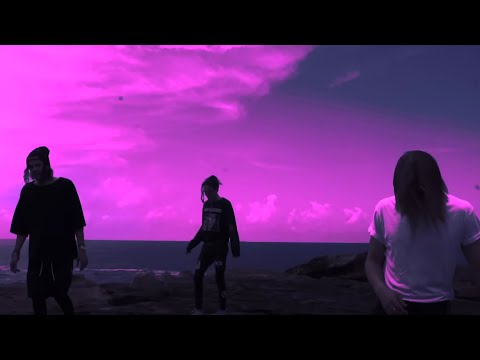

Download File
Music Video
3D Light Show Preview
How to Play This Light Show on Your Tesla
- Download the Swim .fseq file above, plus the song audio as MP3 or WAV.
- Format a USB drive (FAT32 or exFAT) and create a folder named
LightShowat its root. - Copy both files into that folder, renamed to
lightshow.fseqandlightshow.mp3(or .wav) — the names must match. - Plug the drive into your Tesla, open Toybox → Light Show, and tap Schedule Show.
Works on Model 3, Model Y, Model S and Model X with the Light Show feature (software 2021.44.25 or newer).
Song Facts
UploadedFeb 21, 2018Duration4:00Genrepop rap, electropop, alternative popArtist OriginAustraliaYouTube Views159.5M viewsLight Show Frames12,000
Light Show Analysis
Tempo120.2 BPMBeats404Onsets768Sections12
Song Structure
introversechorussilence
About the Track
The official music video for "SWIM" by Chase Atlantic. Stay connected with CHASE ATLANTIC -- CREDITS EDITED & DIRECTED BY CLINTON CAVE FILMED BY MATT ROGERS & GLENN SCISSORHANDS -- LYRICS I bet you…
About the Artist
Chase Atlantic are an Australian R&B band from Cairns, Queensland, formed in 2014. The band consists of three members: Christian Anthony and brothers Mitchel and Clinton Cave, and have released seven EPs and four albums since their formation.
pop rapelectropopalternative popalternative rnb2010s
This 4:00 track produces 12,000 light frames. How Tesla Light Shows work →
Want a unique version? AI Studio choreographs lights to lyrics, melody, and mood — no two shows are alike.