Download File
Next step: get the audio from this exact YouTube video
This light show is timed to this video’s audio. Other versions (album, Spotify, other uploads) may be out of sync.
Paste the link into a YouTube-to-MP3 tool. Not sure which one? Search Google: YouTube to MP3 (opens in new tab)
Rename the MP3 to match the .fseq file name (e.g. lightshow.fseq + lightshow.mp3).
Checking your FSEQ quota...
FSEQ library quota is isolated from MP3 conversion and AI Studio credits.
Music Video
3D Light Show Preview
How to Play This Light Show on Your Tesla
- Download the Caroline .fseq above, then get the audio from the YouTube video linked below the download button. Full guide
- Format a USB drive (FAT32 or exFAT) and create a folder named
LightShowat its root. - Copy both files into that folder with the same base name, for example
lightshow.fseqandlightshow.mp3(or .wav) — the names must match. - Plug the drive into your Tesla, open Toybox → Light Show, and tap Schedule Show.
Light Show works on Model 3, Model Y, Cybertruck, and 2021+ Model S and Model X, all on software 2021.44.25 or later.
Song Facts
About the Track
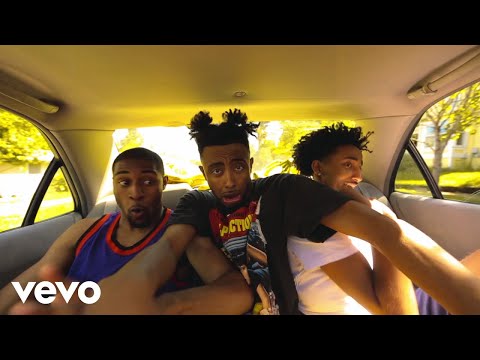
Music video for Caroline performed by Aminé. Connect with Aminé: Directed by Adam Daniel Written by Adam Daniel & Brian Kinnes Cinematography/Editing by
About the Artist

Adam Aminé Daniel is an American rapper, singer, and songwriter, from Portland, Oregon. He first gained notability for his commercial debut single, "Caroline", which peaked at number 11 on the US Billboard Hot 100 chart.
This 4:09 track produces 12,450 light frames. How Tesla Light Shows work →
Explore more light shows
Browse the full library →Want a unique version? AI Studio writes a custom song for you and turns it into a light show — no two shows are alike.