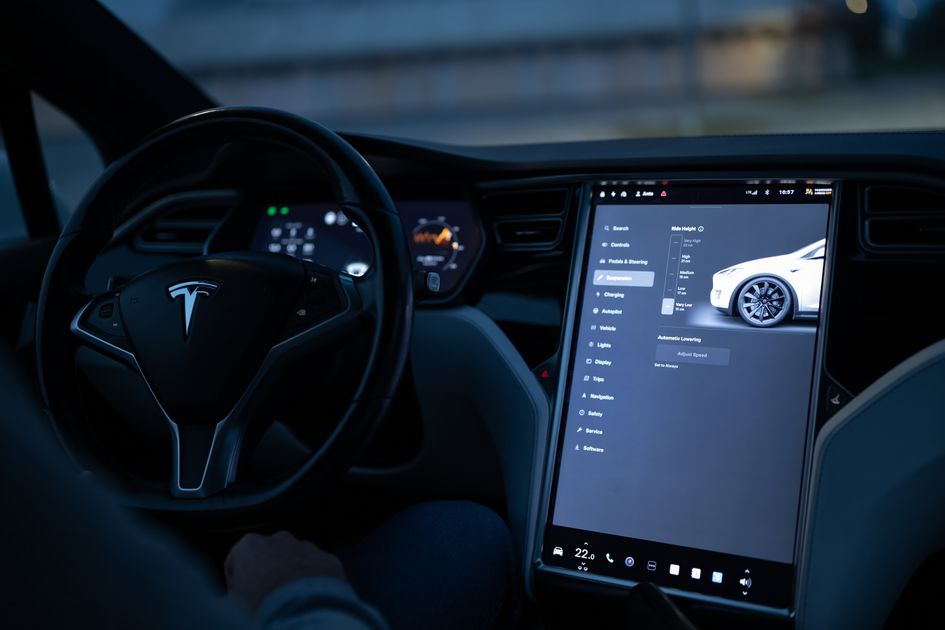
Tesla owners have been able to set a preferred arrival charge from the car's touchscreen since the Holiday 2024 update. Now that control has quietly moved to the phone app, too. With software 2026.26 and the Tesla app at version 4.58.0 or newer, you can tell the car what battery level you want to arrive with — before you ever get in it.
The feature is called Set Arrival Energy, and it closes a long-running gap between trip planning at home and trip planning in the driver's seat. Instead of eyeballing a Supercharger stop and hoping you land with enough buffer, the phone now does the same math the car has been doing for a year and a half.
How Set Arrival Energy Works
The concept is simple: you pick the state of charge you want to have when you reach your destination, and Tesla's Trip Planner figures out the charging stops to make that happen. It's the difference between "get me there as fast as possible" and "get me there with a comfortable margin."
In the release notes, Tesla describes it plainly:
"Set a preferred battery charge level for when you arrive at your destination. Trip Planner adjusts routes with recommended charging stops and durations."
That second sentence is the part that matters. The system doesn't just show you a number — it re-routes your charging plan to hit the target. If you want to arrive with 40% instead of the default buffer, Trip Planner may add an extra Supercharger stop or extend an existing one. If you're fine rolling in low, it trims stops to save you time.
The logic is especially useful when the destination has no charging. Arriving at a cabin, a campsite, or a friend's house with 50% instead of 10% can be the difference between a relaxed visit and a detour to a charger the next morning.
New on the Phone — Set It Before You Leave
The phone-app version matters because trip planning usually starts on the couch, not in the car. Before this change, you'd plan a route on your phone, get in the car, and only then realize the arrival estimate assumed a bare-minimum buffer. Now you can set the target in the same place you plan the trip.
The flow is straightforward. In the Tesla app, open the location screen for a destination, and you'll find the arrival-energy option alongside route and navigation controls. Set a percentage, and the app's trip preview reflects the charging stops needed to hit it.
This brings the phone app closer to feature parity with the in-car navigation, which has had Set Arrival Energy since the 2024.44.25.2 holiday release. The rollout is gradual — as with most Tesla features, not every account gets it on the same day.
Requirements and Availability
| Requirement | Status |
|---|---|
| Car software 2026.26 | Required |
| Tesla app v4.58.0 or newer | Required |
| In-car version (Holiday 2024, 2024.44.25.2) | Available since Dec 2024 |
| Region availability | Select countries only |
The one caveat worth noting is geography. Tesla's release notes list the feature as available in select countries, without naming them individually. If you don't see the option yet, you're either waiting on the software rollout or outside the currently supported regions.
Why It Changes Road-Trip Math
Tesla's navigation has always optimized for the fastest trip, which tends to mean arriving with as little charge as possible. That's efficient, but it assumes you can charge at your destination. Set Arrival Energy flips the default: you decide the safety margin, and the planner works backward from it.
For most owners the practical effect is fewer surprises. Road trips to areas with sparse charging, cold-weather drives where range drops faster than expected, and overnight stays without a wall connector all benefit from arriving with a buffer you chose, not one an algorithm picked for you.
The feature also pairs well with Tesla's routing infrastructure, which already accounts for Supercharger placement and elevation. Layering a target state of charge on top of that gives you a plan that respects both speed and peace of mind.
The Bottom Line for Tesla Owners
Set Arrival Energy on the phone is a small addition with an outsized quality-of-life payoff. It removes the guesswork from trip planning by letting you decide your arrival buffer before you leave the house, then having Trip Planner do the routing to match.
If you're on software 2026.26 with app v4.58.0 or later, check the location screen for a destination and look for the arrival-energy setting. If it's not there yet, it's likely a matter of the gradual rollout — keep the app updated and it should arrive soon.
Photo: Tesla touchscreen navigation / Pexels