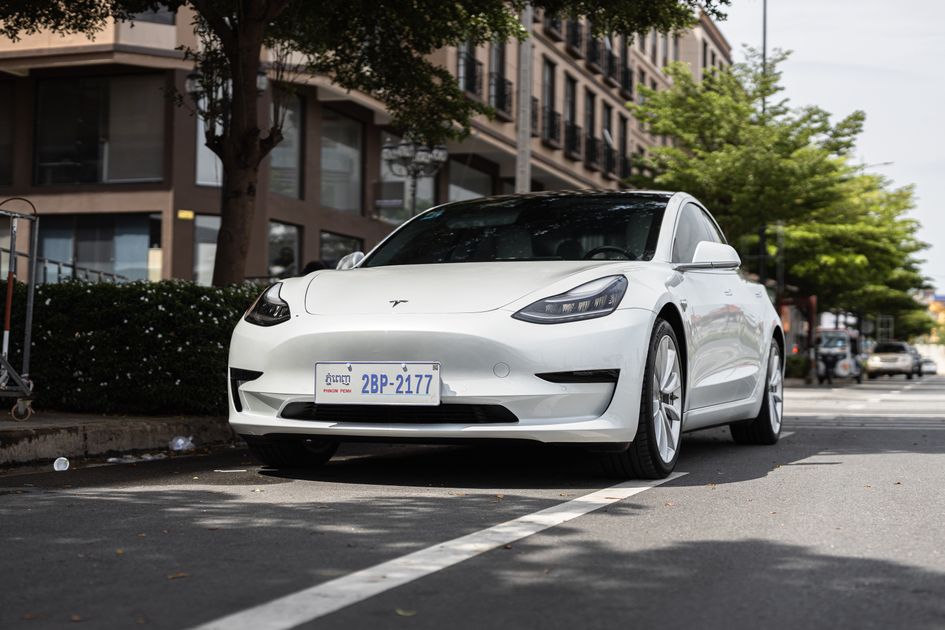
Tesla owners have long been able to choose from a selection of pre-designed wraps inside their vehicle's Toybox. With the 2026.26 Summer Update, that just changed in a big way: you can now upload your own custom wrap design directly from the Tesla mobile app, preview it on a real-time 3D model of your car, and push it to your vehicle over Wi-Fi — no USB drive, no service center visit required.
The feature is live across Model 3, Model Y, Model S, Model X, and Cybertruck. You need Tesla App version 4.59.0 or later and a vehicle running 2026.26 or newer software. Here's everything you need to know.
Why This Feature Matters
Before this update, personalizing your Tesla's virtual appearance meant picking from whatever Tesla stocked in the Toybox. If you wanted something specific — your company logo, a custom graphic, an inside joke that only your family gets — you were out of luck on the in-car screen.
Now, that ceiling is gone. You design it, you upload it, your Tesla wears it. The entire workflow happens in under two minutes once you have a compatible image ready.
Tesla's custom-wraps repository on GitHub provides official UV-mapped templates for each vehicle variant, so your design can align precisely with the car's body panels — no guesswork required.
Exact Image Requirements
Getting the file right is the most important step. Tesla has strict requirements to keep the preview rendering accurate and the upload reliable:
| Requirement | Specification |
|---|---|
| Format | PNG only |
| Dimensions | 512×512 px minimum — 1024×1024 px maximum |
| File size | No larger than 1 MB |
| Filename | 30 characters or fewer; letters, numbers, underscores, dashes, spaces only |
| Max stored wraps | 10 custom files |
One important design note: a plain square image placed on top of the model will often look stretched or misaligned. Tesla's official GitHub repository at github.com/teslamotors/custom-wraps hosts UV-mapped templates specific to each vehicle variant. Using the correct template means your design will land on the right panels of the right model.
Step-by-Step: Upload a Custom Wrap in 5 Steps
Once your PNG is ready and meets the spec above, the upload process is straightforward:
Step 1 — Open the Tesla app (version 4.59.0 or later) and tap Creations in the bottom navigation.
Step 2 — Tap Wrap, then tap the Upload button in the upper-right corner.
Step 3 — Select your PNG from your phone's photo library or files. The app immediately loads an interactive 3D preview of your vehicle wearing the design. Rotate it, zoom in, check every angle.
Step 4 — Choose your action:
- Upload & Apply Wrap — pushes the file to your car and activates it instantly on both the app and in-car display.
- Upload Only — saves the file to your car without applying it. You can apply it later by going to Toybox → Paint Shop → Wrap inside the vehicle.
Step 5 — Done. Your Tesla's visualization updates immediately on both your phone and the in-car touchscreen. No reboot, no waiting.
Which Tesla Models Support This?
The custom wrap upload feature is available on all current Tesla production vehicles:
| Model | Custom Upload Support | Software Required |
|---|---|---|
| Model 3 | ✓ | 2026.26+ |
| Model Y | ✓ | 2026.26+ |
| Model S | ✓ | 2026.26+ |
| Model X | ✓ | 2026.26+ |
| Cybertruck | ✓ | 2026.26+ |
The rollout of 2026.26.6.1 — the latest patch in the Summer Update stream — reached approximately 23% of the Tesla fleet as of August 20, 2026, with additional waves pushing out daily. If the Creations menu isn't visible in your app yet, your vehicle may still be waiting for the over-the-air update.
The Bottom Line for Tesla Owners
The custom wrap upload feature is exactly the kind of small-but-meaningful addition that makes owning a Tesla feel different from owning any other car. The ability to design something on your laptop, export a PNG, and have your car wearing it five minutes later — without leaving your driveway — is a genuinely new kind of ownership experience.
If you've ever thought about creating a custom light show for your Tesla, the creative instinct is the same: design something personal, push it to your car, share it with the world. Both features live in the same corner of Toybox, and both reward exactly the same kind of owner who wants their car to be more than transportation.
Start with the official UV templates at github.com/teslamotors/custom-wraps so your design fits correctly. Keep it under 1 MB, export as PNG, and you're three taps away from a one-of-a-kind look.
Photo: Tesla Model 3 on city street / Pexels