Three practical upgrades landed in the Tesla app over the past week. Update 4.61.0, released on September 18, 2026, shipped features that change how owners sign in, navigate to charging stops, and connect with Tesla support — no new car, no service visit required.
None of the three headlines rewrites the product. Each one removes a friction point that enough owners encounter daily that the upgrade is worth doing today.
Sign In With Your Face: How Tesla Passkeys Work
The most security-significant addition is passkey support. Passkeys replace your Tesla account password with a biometric credential — Face ID on a recent iPhone, Touch ID on older iPhones and many MacBooks, or a fingerprint reader on Android — stored locally on your device.
The mechanism is meaningfully different from saving a password in your keychain. A passkey uses two cryptographic pieces: a private key stored on your device that never leaves it, and a public key registered with Tesla's servers. When you sign in, the app proves your identity with the private key without transmitting the credential itself. There is no password string for a phishing page to capture, and no Tesla-side database entry that a breach could expose.
"A private key stored on your phone and a public key registered with Tesla's authentication servers — so they're much more secure than traditional passwords that can be more easily guessed." — Tesla App 4.61.0 release notes
Setup takes under a minute and runs entirely inside the app:
| Step | Where to Tap |
|---|---|
| 1 | Open Menu, tap your profile name |
| 2 | Select Security & Privacy |
| 3 | Tap Sign In Management |
| 4 | Tap Passkey, then Add Passkey and follow the biometric prompt |
Once configured, the next sign-in skips the password field entirely. The app prompts Face ID or Touch ID, authenticates in under a second, and drops you into your vehicle controls. Android support uses fingerprint authentication via Google's credential management system with an identical one-step flow.
The stakes matter here: the Tesla app controls your car's locks, precise GPS location, climate, and charging schedule. Biometric sign-in is a meaningfully stronger front door than a reused password.
Supercharger Site Maps: Know Your Stall Before You Park
The Supercharger screen now displays a 3D site map for each station — a visual layout of stall positions, their orientation relative to the parking lot, and live per-stall status: available, occupied, or out of service.
This is most useful at larger stations with multiple rows or non-obvious layouts. Arriving at a busy 24-stall Supercharger and spending two minutes hunting for an open bay is a common enough annoyance. With the occupancy map visible before you finish pulling in, you can aim directly at an open stall instead of circling.
One small detail: the Cybercab appears as a recognized vehicle type in the new station maps — the first launched app feature to acknowledge the robotaxi as a distinct category, even if the in-vehicle touchscreen doesn't yet surface it separately.
Share Your Camera With Tesla Support
A third addition addresses a narrower but frustrating scenario: remote camera sharing. The new Share Camera option lets a Tesla support representative view your car's external cameras in real time during a support session.
If you're dealing with a sensor blind spot, a camera angle issue, or anything that's easier to show than describe, you can now hand over the feed directly from the app — no appointment, no video export, no emailing clips. Access requires explicit in-app consent each session; the sharing is not persistent and does not run in the background after the call ends.
What's in 4.61.0 at a Glance
| Feature | What It Does | Where to Find It |
|---|---|---|
| Passkey Sign-In | Replaces password with Face ID, Touch ID, or fingerprint | Menu → Security & Privacy → Sign In Management |
| Supercharger Site Maps | 3D stall layout with live occupancy per station | Supercharger screen → select a station |
| Share Camera | Allow Tesla Support to view your cameras for live diagnosis | Support section — consent required each session |
The Bottom Line for Tesla Owners
Update 4.61.0 is a low-drama release that does exactly what a maintenance update should: it closes three specific pain points without breaking anything else. The passkey feature deserves immediate attention — it takes less than a minute to set up and trades a vulnerable password for a private key that never leaves your device.
For owners who regularly Supercharge at busy stations, the 3D maps add a meaningful navigation shortcut. For everyone else, the update installs automatically through the App Store or Google Play; if you don't see version 4.61.0 yet, a manual check of your app updates will pull it through.
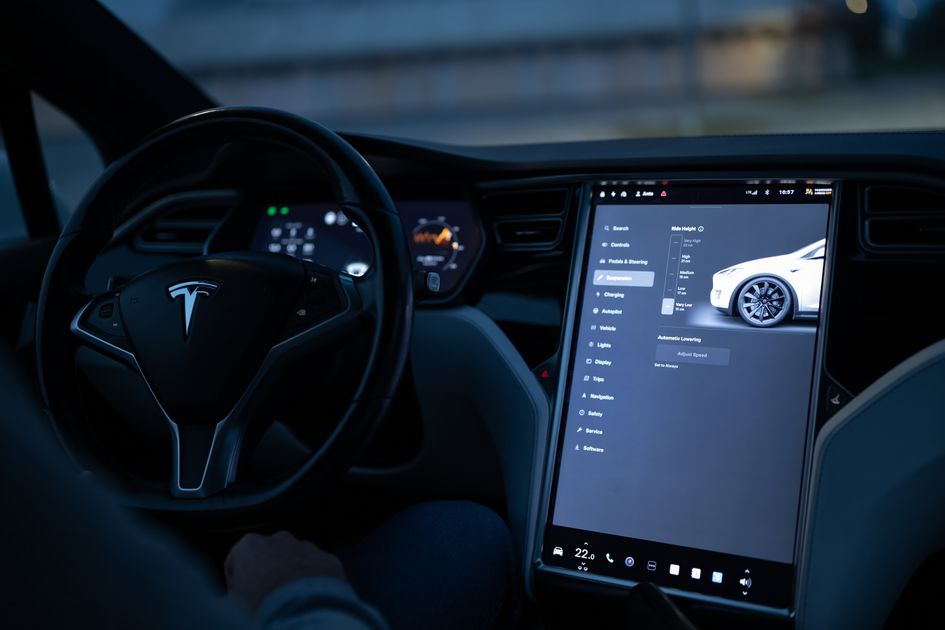
Photo: Tesla vehicle touchscreen interface / Pexels