Every Tesla owner who relies on the Supercharger network has experienced the same moment of dread: you pull into a busy station after a long highway stretch, and three of the six stalls have orange cones on them while two more have cars that haven't moved since you arrived. You had no idea before you turned off the highway. With Tesla's 2026.38 software update, that guessing game officially ends.
Rolling out on September 30, 2026, version 2026.38 is one of the most owner-focused updates of the year. It brings Supercharger Site Maps directly into your car's navigation screen, adds Dynamic Headlight Leveling for smoother nighttime drives, delivers visual polish for newer Model 3 and Y hardware, and closes out a batch of security improvements. The initial rollout covers less than 1% of the fleet — roughly 48 vehicles in the first wave — with a broader push expected over the coming weeks.
Supercharger Site Maps: What You See on Screen
The headline feature of 2026.38 is the integration of Supercharger Site Maps directly into your car's touchscreen navigation. Select a Supercharger as your destination and, when you arrive at a pilot location, the center display will show a bird's-eye view of the station layout with each stall marked as Available (green), Occupied (gray), or Down (red).
Tap View Site Map on the navigation card for any participating Supercharger to see the layout before you even enter the lot. That means you can plan which row to pull into, spot whether a long-cab Cybertruck bay is free, and confirm at a glance that the station hasn't turned into a parking lot.
"When navigating to a pilot location, the site layout and live occupancy will be displayed upon arrival." — Tesla 2026.38 official release notes
This feature is available on Model S, 3, X, Y (legacy and current generations) with Intel-based hardware, plus Cybertruck. Coverage is live at over 300 U.S. Supercharger locations, with international expansion ongoing. Tesla piloted the feature at just 18 California and Texas stations in late 2025 before expanding through early 2026.
It's worth noting the distinction from the Tesla app: the app version 4.61 (released in September 2026) already gave you Supercharger site maps on your phone. What 2026.38 adds is that same live view on your car's screen — so you're not fumbling for your phone while navigating. The two surfaces now show the same information, keeping your eyes where they belong.
| Feature | Compatible Models | Coverage |
|---|---|---|
| Supercharger Site Maps | Model S, 3, X, Y (Intel HW), Cybertruck | 300+ U.S. locations, expanding |
| Dynamic Headlight Leveling | Model 3 | All compatible markets |
| Visual Updates | Model 3, Y (AMD HW3) | Worldwide |
| Security Improvements | Model S, 3, X, Y, Cybertruck | Worldwide |
Dynamic Headlight Leveling for Model 3
Model 3 owners get a more subtle but genuinely useful upgrade: Dynamic Headlight Leveling. The low beams now automatically adjust their vertical aim in real time based on driving conditions and nearby traffic.
In practice, this means the headlights angle slightly downward when you're close behind another car on a dark highway, reducing the chance of blinding the driver ahead. When the road ahead clears, the beams extend further down the road to maximize your own visibility. The system works continuously in the background — no toggle, no menu — and is available across all markets where Model 3 is sold.
Adaptive headlight technology has been standard on European luxury vehicles for years, largely because EU regulations have encouraged it. For Model 3 owners who drive frequently at night or on poorly lit rural roads, this is a quality-of-life improvement that costs nothing and requires no action on their part.
Visual Upgrades on the Center Screen
If you own a Model 3 or Model Y with AMD HW3 hardware (current-generation vehicles), you'll notice your car looks sharper on the center display. The Visual Updates feature delivers higher-resolution images of your Tesla and a more detailed parking environment graphic — the scene you see when your car is in Park with the 3D vehicle visualization active.
It's an incremental cosmetic improvement rather than a functional one, but it reflects Tesla's ongoing effort to keep the center screen experience feeling premium rather than static. As hardware capabilities improve, Tesla can push better assets over the air without any physical change to the vehicle.
Security Fixes Across the Fleet
Every vehicle receiving 2026.38 — Model S, 3, X, Y, and Cybertruck — gets the security improvements included in this build. Tesla's release notes describe it as "important security fixes and improvements" covering vehicle access, key authentication, and network protection. No action is required from owners; the fixes apply automatically as part of the update.
Tesla does not publicly detail the specifics of security patches, a standard practice in the industry to avoid providing a roadmap for potential exploits before widespread deployment.
The Bottom Line for Tesla Owners
The 2026.38 update is the kind of release that improves your ownership experience in ways you'll notice every week. Supercharger Site Maps on the navigation screen removes a legitimate source of anxiety on road trips — you'll know what you're pulling into before you exit the highway. Dynamic Headlight Leveling quietly makes nighttime drives safer for Model 3 owners. The visual improvements polish the screen experience for newer hardware.
If you haven't received the update notification yet, you're in the majority — the initial batch covers less than 1% of the fleet. You can check for available updates under Controls > Software on your touchscreen, or set your car to update automatically overnight. Given the Supercharger feature alone, it's worth installing as soon as it arrives.
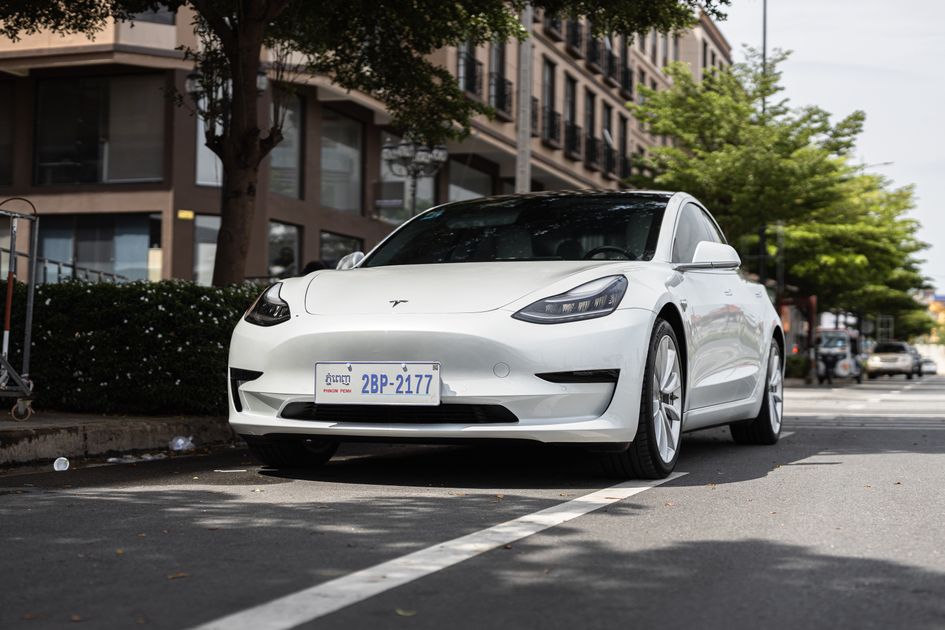
Photo: Tesla on city street / Pexels